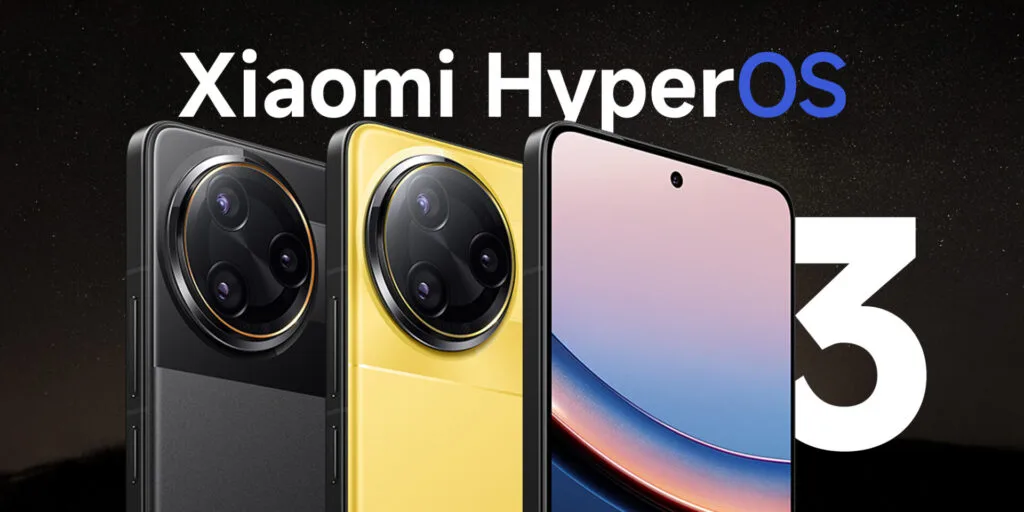
Is the speed of your old Xiaomi device decreasing? As software accumulates digital junk and apps become more resource-intensive, even powerful smartphones may become sluggish. Try these tried-and-true optimization strategies before considering upgrading, though, as they can greatly improve the performance of your Xiaomi device. You may restore the smooth responsiveness you experienced when your phone was brand-new by making a few easy adjustments to your device’s settings. These insider recommendations are applicable to all Xiaomi devices, including Redmi and POCO models, and work best on older devices running MIUI or HyperOS.
System update
For your device to perform at its peak, it is crucial to maintain it updated. Xiaomi often releases software updates that include security patches, bug fixes, and necessary performance improvements.
Updates can address existing performance issues and add new features designed to increase the effectiveness of your device. Go to Settings > About phone > System update > Check for updates to see if there are any updates available.

Reduce Animation
The fastest approach to make your Xiaomi phone feel faster is to adjust the animation scales. Although these graphical effects are visually appealing, they consume valuable processing resources.
Go to Settings > Additional settings > Developer Options to change the animation parameters. Locate the animator duration scale, window animation scale, and transition animation scale. To operate at peak efficiency, set all values to 0.5x or disable them. Tap Settings > About phone > HyperOS version seven times to activate Developer options if they aren’t already visible.

Disable ads and promotions
System ads on Xiaomi’s interface might occasionally cause performance to be slowed down. Disabling these advertisements improves the user experience overall and speeds up the operation of your device.
To turn off system advertisements: Navigate to Settings > Security & Passwords > Authorization & Revocation. Turn off MSA (MIUI System Ads). Give the modifications ten seconds or so to take effect.

Remove apps that you don’t use
In addition to taking up storage space, unused apps may have background activities using up system resources. The device’s performance can be significantly improved by uninstalling such programs.
- Long press the app icon
- Choose App info from the menu
- Tap Uninstall and then confirm it.
Clear cache regularly
In order to load more quickly in the future, applications save temporary data in a cache. However, because built-up cache uses up valuable storage, it can eventually slow down your device.
- To clear application caches: Go to Settings > Apps > Manage apps
- Choose the application you want to clean Tap Clear data > Clear cache

Limit background processes
Reducing the amount of background apps can greatly improve the system’s responsiveness.
- To reduce background processes: Go to Settings > Additional Settings > Developer options
- Retrieve background process limit
- Set to “No background processes” or low number in accordance with your device’s RAM

Using “Lite” versions of apps
Installing “Lite” versions of well-known software is an option for older Xiaomi devices. These lightweight versions preserve essential functionality while utilizing fewer resources. RAM and processing power are reduced in popular lite versions of apps like YouTube Go, Twitter Lite, and Facebook Lite.
Factory reset
It could be necessary to do a factory reset if the performance issues persist despite trying the aforementioned fixes. This removes all user data and applications from your phone, returning it to its initial configuration.
Before factory reset:
- Backup all essential files to cloud storage or an external drive
- Record your account credentials for simple retrieval
- Make certain your phone has enough battery or is plugged in
- To do a factory reset: Settings > About phone > Factory reset > Erase all data

Xiaomi 15
International Model
Dual SIM (nano SIM + nano SIM or nano SIM + eSIM, eSIM + eSIM)**Use of eSIM requires a wireless service plan.
Leica Summilux optical lens – LEICA VARIO-SUMMILUX
6.36″ 3200 nits ultra-bright displayCrystalRes AMOLED
Snapdragon 8 Elite Mobile Platform 3nm
Ultrasonic in-screen fingerprint sensor
32MP in-display selfie camera