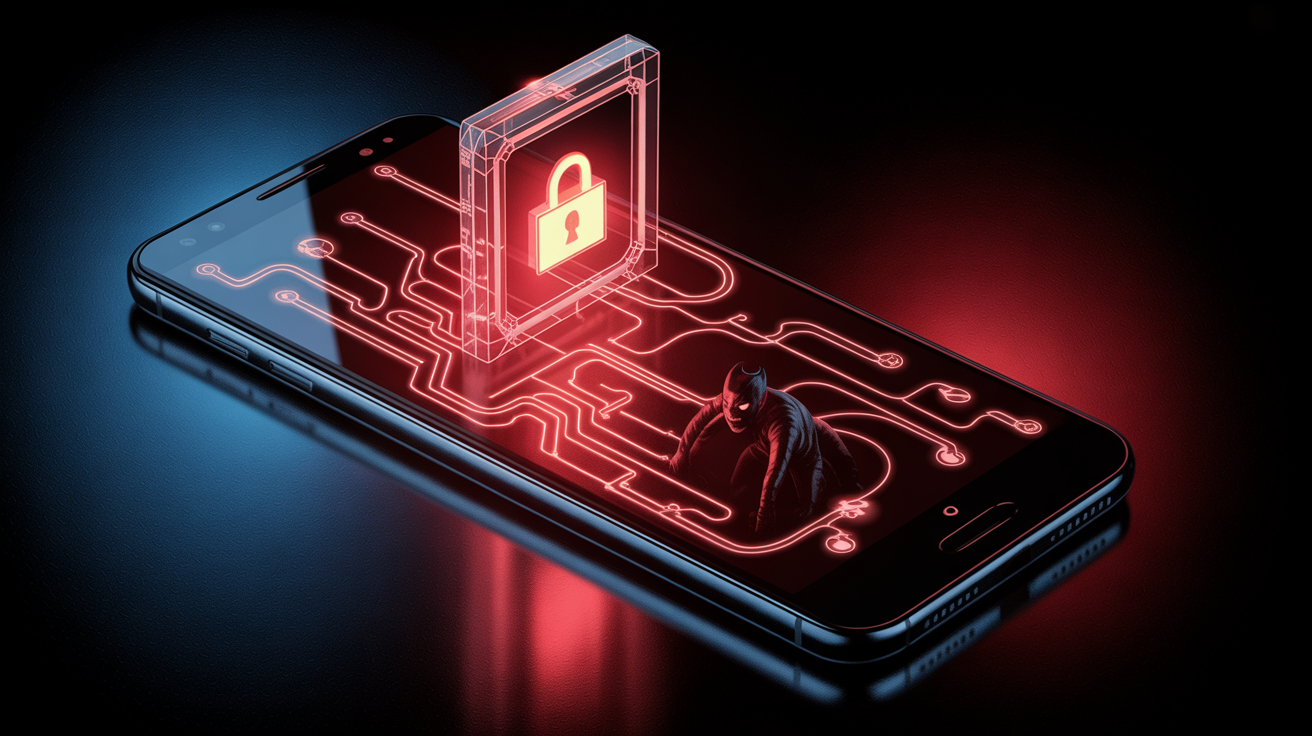
The fact that sophisticated and all-encompassing malware like DroidLock is spreading to Android devices is concerning.
The amount of time we spend on our phones can be frightening. Our social life, banking details, calendar appointments, emails, messages, pictures, and more. This implies that a person who has access to your phone can discover a lot about you.
DroidLock ransomware explained: infection methods and impact
According to a Zimperium research, DroidLock ransomware uses a different strategy than conventional ransomware, which encrypts your files. Phishing websites that pose as trustworthy brands or telecom companies’ authentic apps are how the infection propagates. At the moment, it seems to primarily target people who speak Spanish. After installation, the dropper software asks for Device Admin and Accessibility Services rights, giving hackers total control over your device.

DroidLock ransomware concentrates on screen overlays and admin abuse rather than locking your data like regular ransomware. Attackers can erase your data, lock your screen, alter your PIN, or even use a VNC remote control to spy on you. Victims receive overlays threatening irreversible data loss and requesting a ransom payment via email within 24 hours.
The software also monitors your screen and steals credentials from banking apps in order to obtain private data, such as one-time passwords. Your phone can be turned into a spying tool by hackers who can remotely stop calls, spy through your camera, or do a factory reset.
How to protect yourself from DroidLock
The good news is that you can take precautions to keep yourself safe. Initially, only download programs from the Google Play Store. Check developer reviews and thoroughly evaluate the permissions being requested before installing any app. Any app asking for authorization to use the Accessibility Service should be particularly suspicious. This is due to the fact that apps have a great deal of influence over your device thanks to Accessibility Service permissions.
Next, make sure your Android operating system is kept up to date because security patches are included in more recent versions. Usually, these security patches close holes and repair problems that malware could exploit.
Finally, never download APKs from unreliable sources and refrain from clicking on dubious links received via email or chat apps. Because compromised devices can intercept corporate OTPs or erase work data, the issue is considerably more severe for enterprises. These procedures are a good and rather simple place to start, even though they might not provide 100% protection against malware.