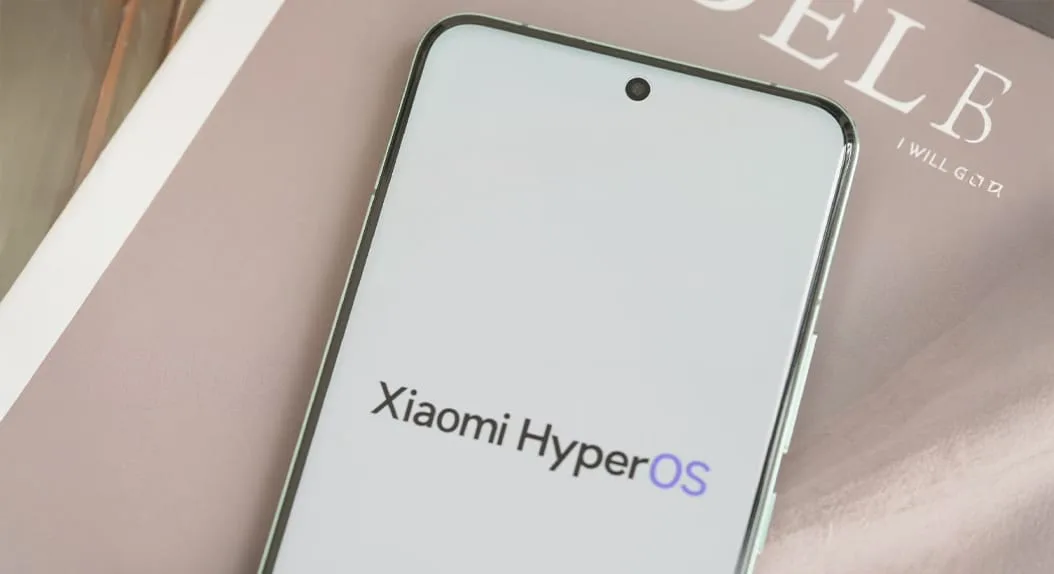


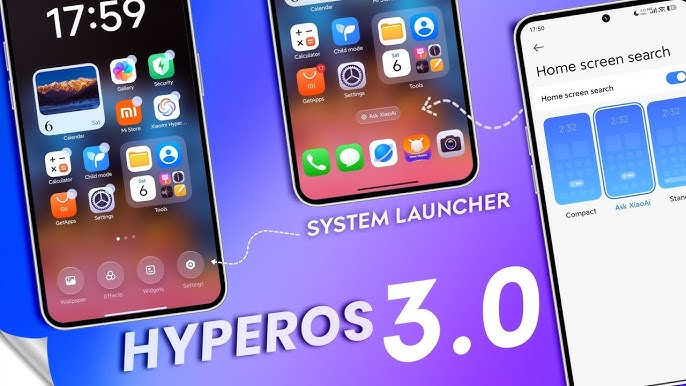
A new HyperOS 3 Launcher Beta update from Xiaomi focuses primarily on the look and feel of compatible models, animated effects in recent apps, and system reliability. This update has been made available to early HyperOS 3 testers in order to optimize their navigation experience. In an effort to improve HyperOS, Xiaomi has also released a beta build for compatible models that can be tested worldwide.
HyperOS 3 Launcher Beta Update Overview

Version RELEASE-6.01.03.1940-12221356 is the most recent version of HyperOS 3 Launcher Beta, which is packed as a second package and is categorized as a stacked layout type beta release. In keeping with Android’s more recent system framework, it raises the “minimum API level” to 35.
Only devices running HyperOS 3 are eligible for this upgrade. Installing this version on other devices may result in instability or visual issues, as Xiaomi has made clear.
It is crucial to comprehend the list of devices that are supported before proceeding with the modifications. This beta is limited to a few high-end, performance-focused phones from Xiaomi.
Officially Supported Models
- Xiaomi 14 series
- Xiaomi 15 series
- Xiaomi 17 series
- REDMI K80 Ultra
- REDMI K90 series
- REDMI Turbo 4 Pro
The REDMI K series gadgets are introduced internationally under POCO brands and are exclusively accessible in mainland China. Internationally, the REDMI K Ultra line of devices is sometimes referred to as the Xiaomi T series. As long as the device is compatible with HyperOS 3, Xiaomi has verified that this beta version functions on the worldwide version.


Xiaomi’s HyperOS 3 launcher beta update: new features and fixes explained
This update improves system functionality to make everything run much more smoothly rather than adding any new features to the device.
Key Improvements and Fixes
- Optimized the display hierarchy of the tasks window in the case of recent tasks.
- Optimizations for the animations of opening frequently used apps in classic navigation key mode.
- Corrected positioning of playing cards for vertical layout mode
- Fixed issues concerning unusual app behavior when opening and quitting recent apps.
- Resolved animation bugs that occurred when there was a recent application switch
- Improved background adaptation for small window cards in dark mode
With less visual disparities, particularly when switching between apps, these new modifications improve multitasking.