

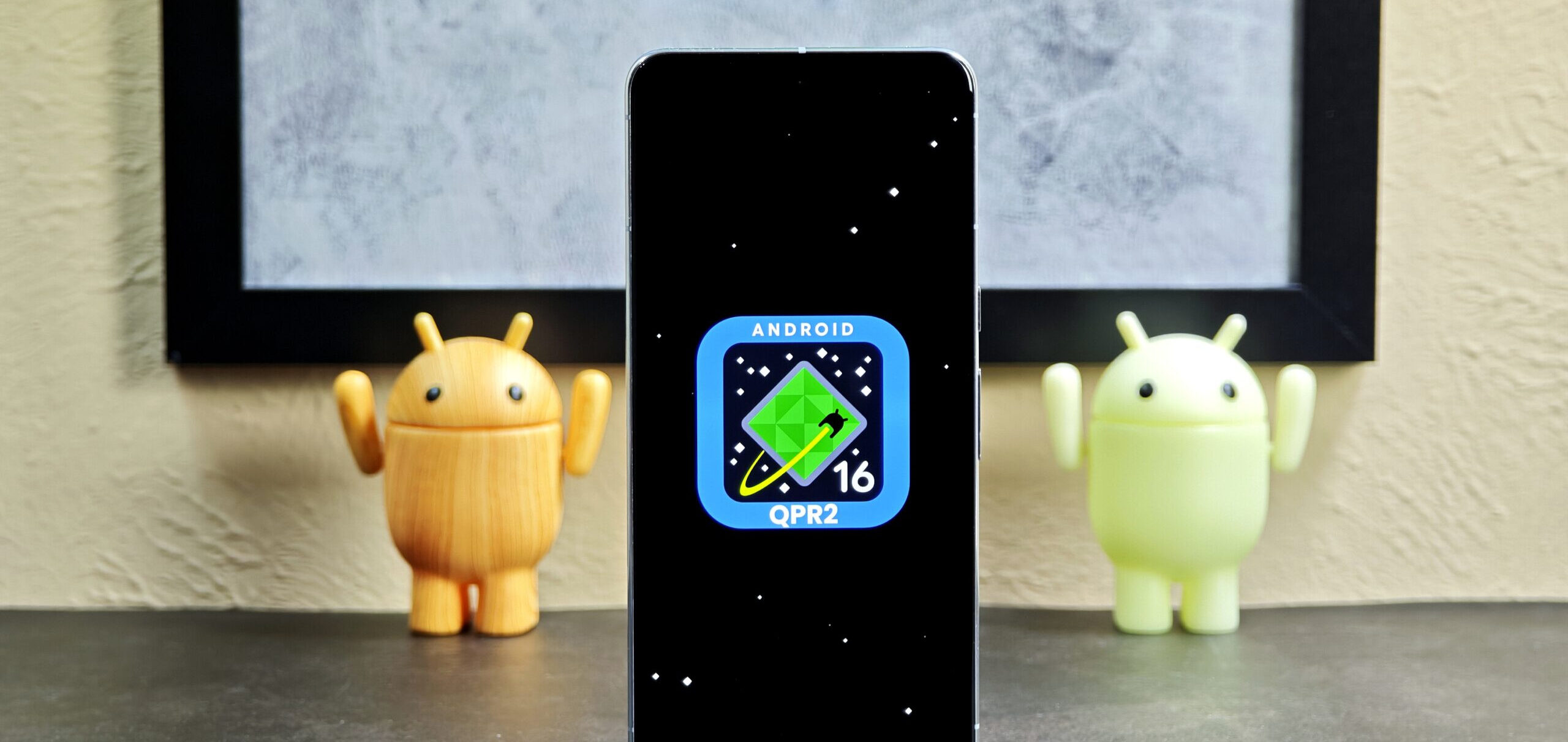
Your phone may be ready for an update as Google is releasing its Android 16 Quarterly Platform Release (QPR) 2.
Numerous new features that should enhance performance, usability, and other aspects are included in the Android 16 QPR2 release. Check out these three new features.
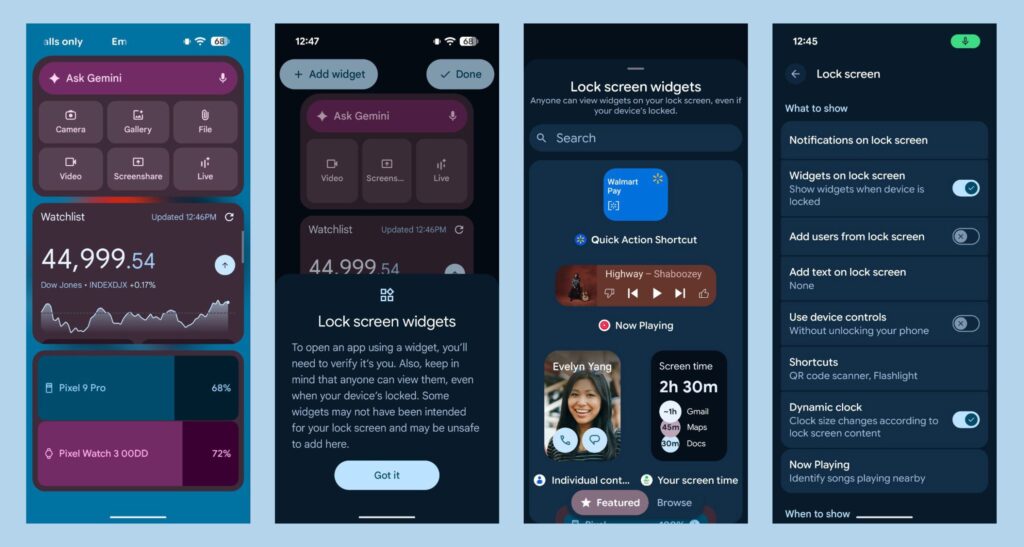
Lockscreen widgets
With the latest version of Android 16 QPR2, you can add widgets that show up when you swipe left on your lock screen. 9to5Google according to Google, you may activate the functionality by going to “Settings > Display & touch > Lock screen > Widgets on lock screen.” This implies that you will have easy access to your camera, calendar, and other devices.
Manage alerts with notification organizers and smart summaries
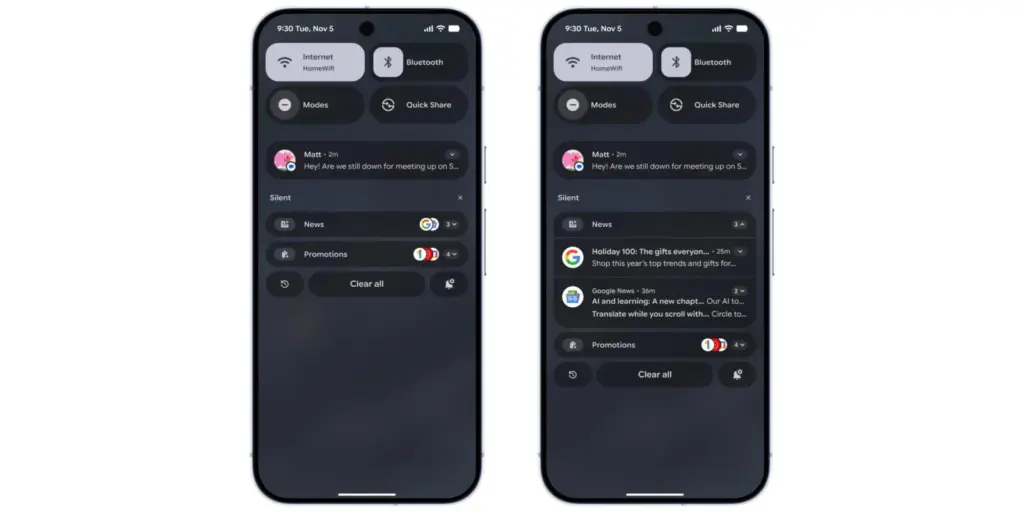
We all get overloaded with notifications, so pay attention. Android 16 QPR2 claims to use AI to control those annoying alerts. A lengthy message in a group chat, for example, will be summarized by the upgraded software, which will also automatically prioritize more significant notifications.
“Your lower-priority notifications (including news, promotions, and social alerts) are automatically grouped and silenced by Notification Organizer, which helps you focus on what really matters with fewer distractions. The notification organizer will be accessible in the upcoming weeks and is being released in phases, according to Google.
Improved parental controls
With Android 16 QPR2, parents may monitor their children’s devices from a single spot thanks to the “parental controls” option in settings. It will enable parents to regulate app usage, set screen time limits remotely, and schedule when a child’s device locks.